Gemini adds computer use on Mac
Rolling out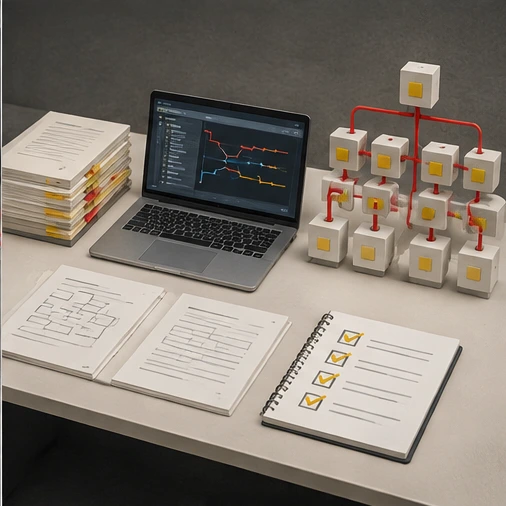
What changed
Google describes multi-step clicking, typing and form filling across apps and websites in a separate window, with user-selected app access, a stop control and pauses for logins or payments. These are vendor-described controls, not a safety certification.
Who can use it
English, United States, personal Google accounts aged 18+, Google AI Plus, Pro or Ultra. Google’s announcement specifies Apple Silicon and macOS Sequoia 15.0+. This is not documented as worldwide or Workspace-wide access.
What it could mean
Individual / family
A repetitive, non-sensitive desktop task could be demonstrated with synthetic data. Family financial, school and health records need a separate privacy decision.
Small business
Moving information between apps might become less manual, but personal-account eligibility is not enterprise approval. Check customer confidentiality before enabling screen access.
Enterprise / community
Equipment and paid-account requirements create access differences. Workforce learning should emphasize judgment, permissions and review rather than imply universal access.
Limits, privacy & cost
Actions may be wrong; confirmations do not verify accuracy. Read current plan limits, data handling and app permissions. Never permit equipment control or safety-critical tasks. Google’s time-saving language is a vendor claim, not an independently measured outcome here.
Keep the context connected.
Read the deeper Field Guide Verified Watch & Learn shelf Ideas: long read → TL;DR → script → LinkedIn draft → takeawaySources and further reading
Let Gemini tackle repetitive chores on your Mac
Announcement and footnote checked with release notes: US, English, personal accounts 18+, paid plans and Apple Silicon/macOS requirements. No independent productivity or safety verification.
Gemini Apps release notes
Dated release text reviewed; personal-account eligibility and region limits retained. Vendor ‘why’ language is not independently measured impact.
The systems matter.
So does the conversation.
Grounded conversations about AI infrastructure, critical operations and leadership.
What to watch
Observe which tasks remain reliably bounded when the assistant crosses app boundaries. Draft angle, not an endorsement or recommendation to adopt.
What leaders should ask
Which apps and files are visible? What must stay off limits? Who checks the final state rather than just the assistant’s success message?